Set number of nodes on an edge
Keyboard shortcut
N
What it does
This feature sets the target number of nodes (points) on a selected edge.
In HexaMSH, this controls edge discretization for structured/transfinite meshing so adjacent faces can be generated with consistent divisions.
Use it when you need exact control over mesh density along specific edges.
Basic usage
- Run Mesh/Set number of nodes on /One edge.
- Select one or more edges.
- Enter the desired node count (integer).
HexaMSH automatically re-meshes the model.
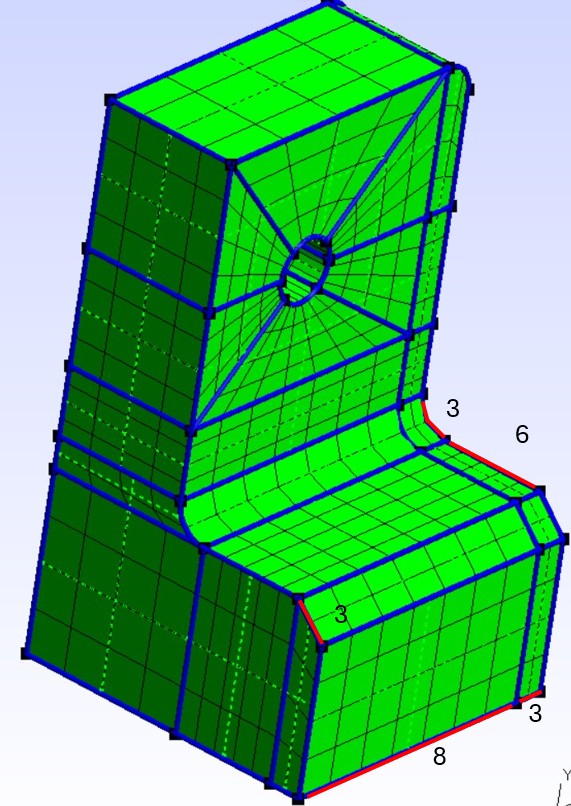
Inputs
- 1. Curve: the reference curve on which we set the number of nodes.
- 2. Node count: integer number of nodes.
Output
- The CAD meshed with the new rule (number of nodes on a specific edge).
Notes
- Higher values create a finer mesh along the selected edge.
- HexaMSH automatically updates related edges as needed, because Gmsh requires matching node counts on opposite curves for transfinite meshing.
- If you run the command again, the new value overwrites the previous one.