Split a surface by a curve
Creates a new geometric curve entity from user-provided points.
Keyboard shortcut
Y
What it does
Use this command to define a curve directly in the model.
The command reads two points and optionally one pattern curve to guide interpolation.
Inputs
- 1. Point A: First point used to construct the curve.
- 2. Point B: Second point used to construct the curve.
- 3. Pattern curve: optional guide curve for the new curve shape.
Output
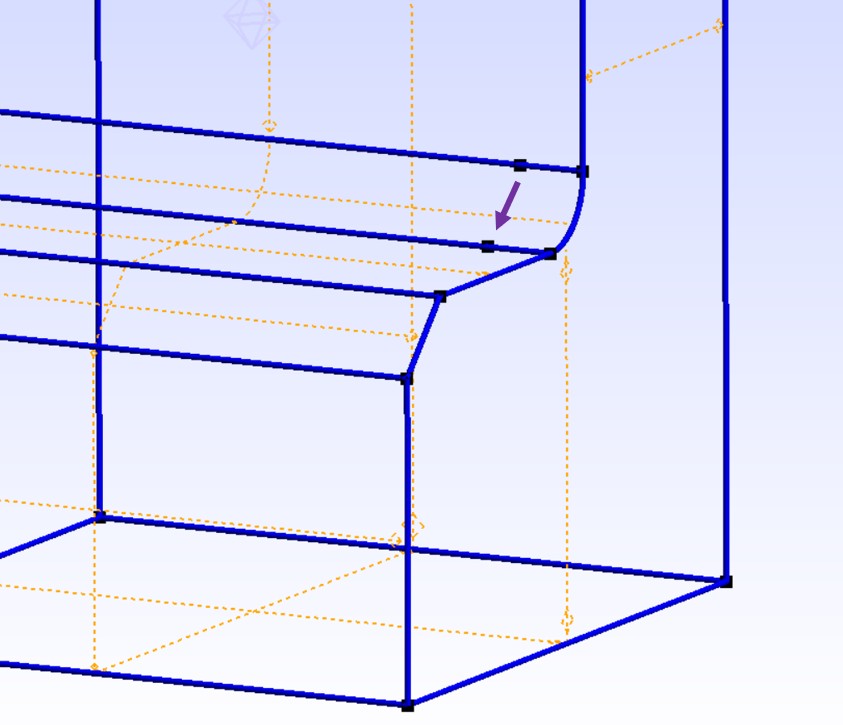
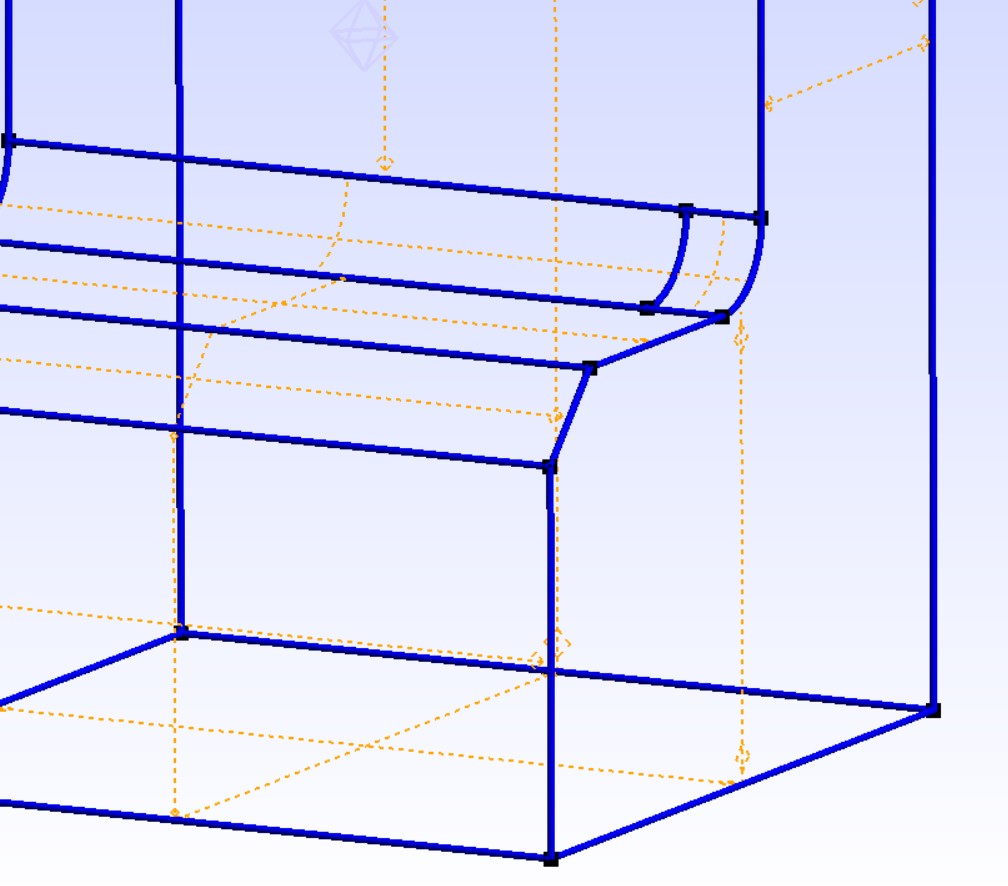
- A new curve entity is added to the model and split the surface connecting the two points.
Basic usage
Run from the GUI Geometry/Split/A surface by a curve and provide the requested selections.
Remark
It is only possible to create a curve on a unique support surface. The selected points must lie on the same surface.
Notes
- Two distinct points are required.
- A single optional pattern curve can be used to guide the creation of the new curve.