Add a volume between two surfaces
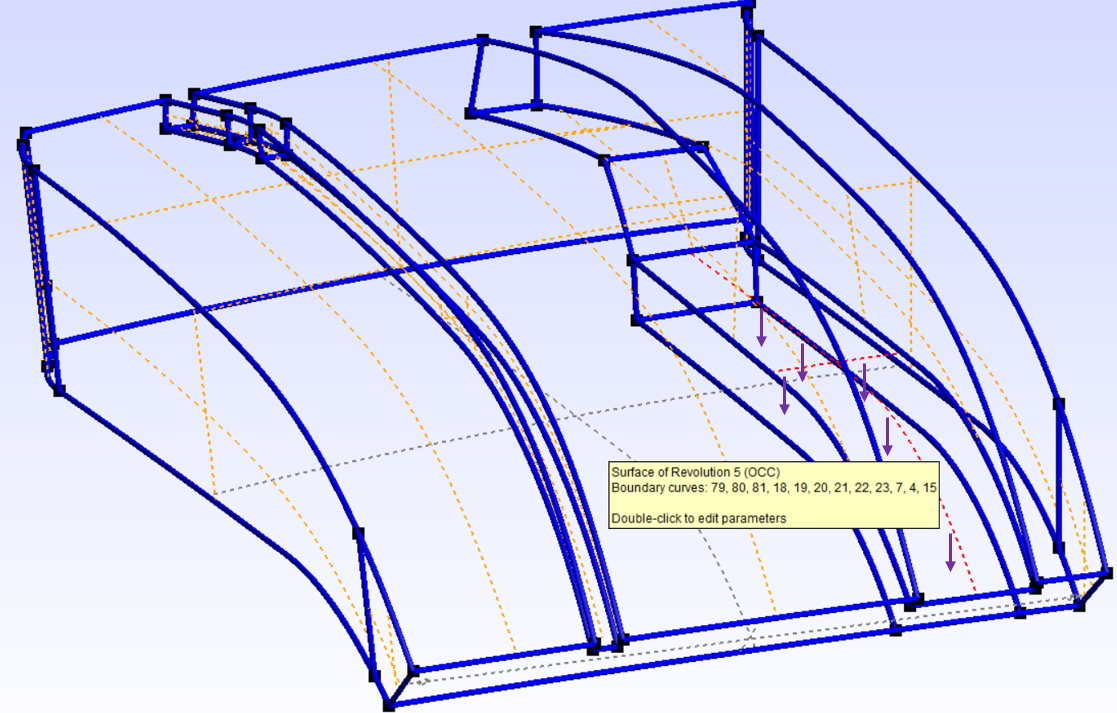
Adds side topology between two selected surfaces to form a closed volumetric region.
Keyboard shortcut
D
What it does
Use Add a volume between two surfaces when you need to connect two surfaces and create the missing side faces between them.
The command:
- takes exactly two input surfaces,
- projects/links boundary points from the first surface to the second,
- creates missing side curves and side surfaces,
- updates topology by fragmentation where needed.
Inputs
- 1. Surface #1: source surface.
- 2. Surface #2: target surface.
Preconditions
For best results, the two selected surfaces should be geometrically compatible and represent boundaries that can be connected without ambiguity.
Output
- New points/curves/surfaces are created as needed between the two selected surfaces.
- Intersected topology is fragmented and updated.
Basic usage
Run from the GUI Geometry/Add/A volume between two surfaces, then select the two surfaces.
Notes
- The operation may reuse existing linking curves when present.
- The two selected surfaces must be different.