Project a surface on a surface
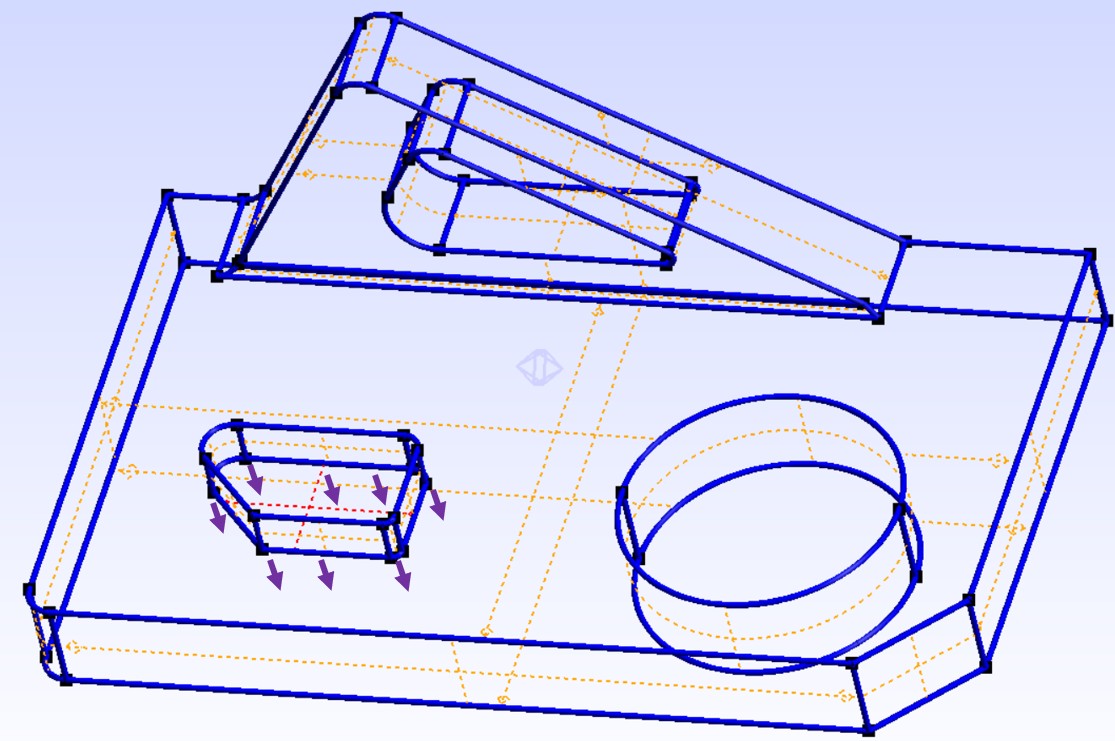
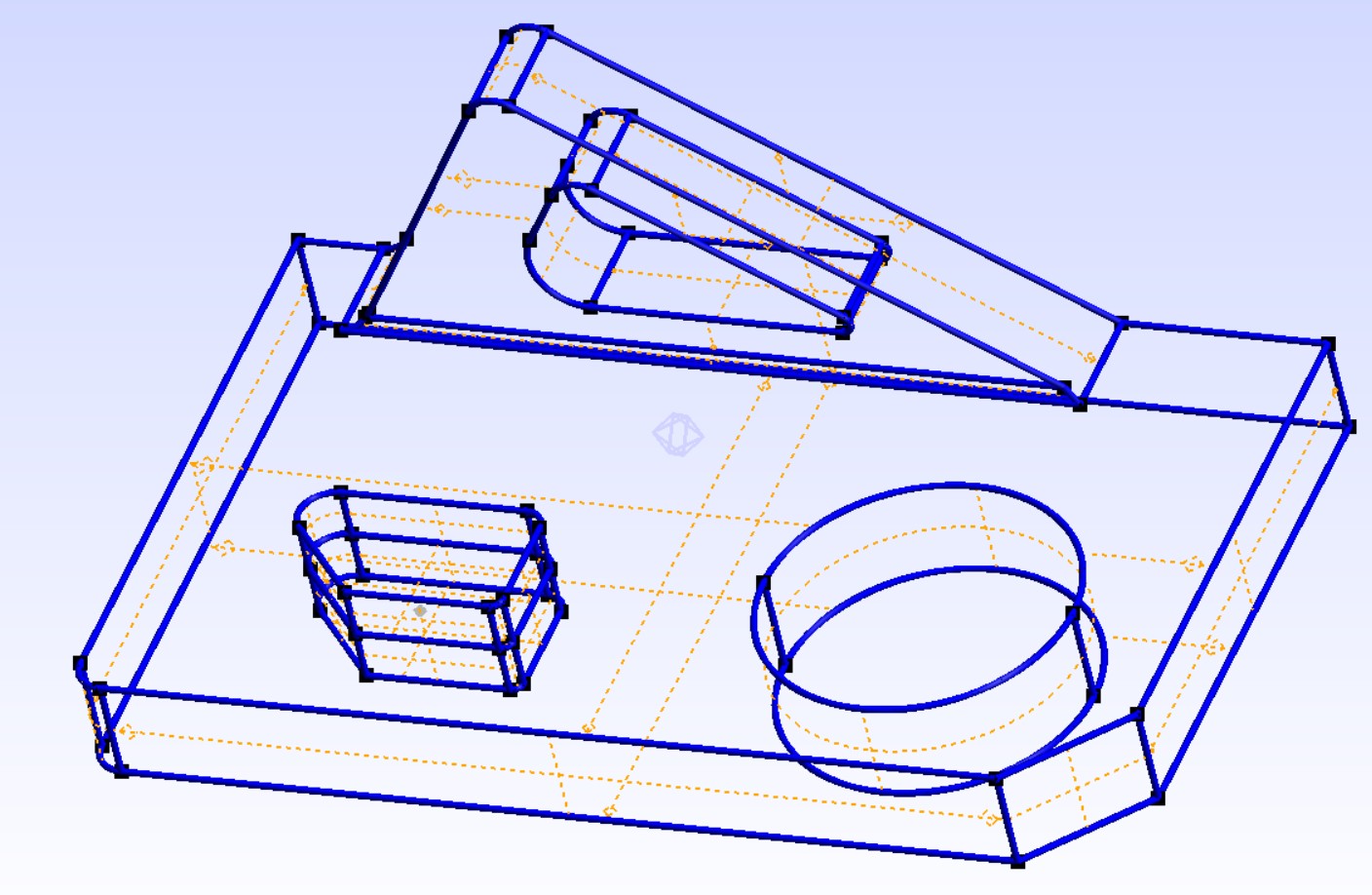
Projects an input surface toward a support surface and keeps intersected volumetric topology.
Keyboard shortcut
S
What it does
Use this command when you need to project one surface toward another to partition or connect local topology.
Inputs
- 1. Projected surface: the source surface to be projected.
- 2. Support surface: the target surface receiving the projection.
Output
- Topology is updated after projection and intersection with the support surface.
Basic usage
Run the command from the GUI Geometry/Project/A surface on a surface, then select the two surfaces.
Notes
- This workflow is commonly used to partition holes before meshing.