Split all volumes by a finite surface (4 points)
Splits intersected volumes using a finite cutting surface defined by four points.
Keyboard shortcut
K
What it does
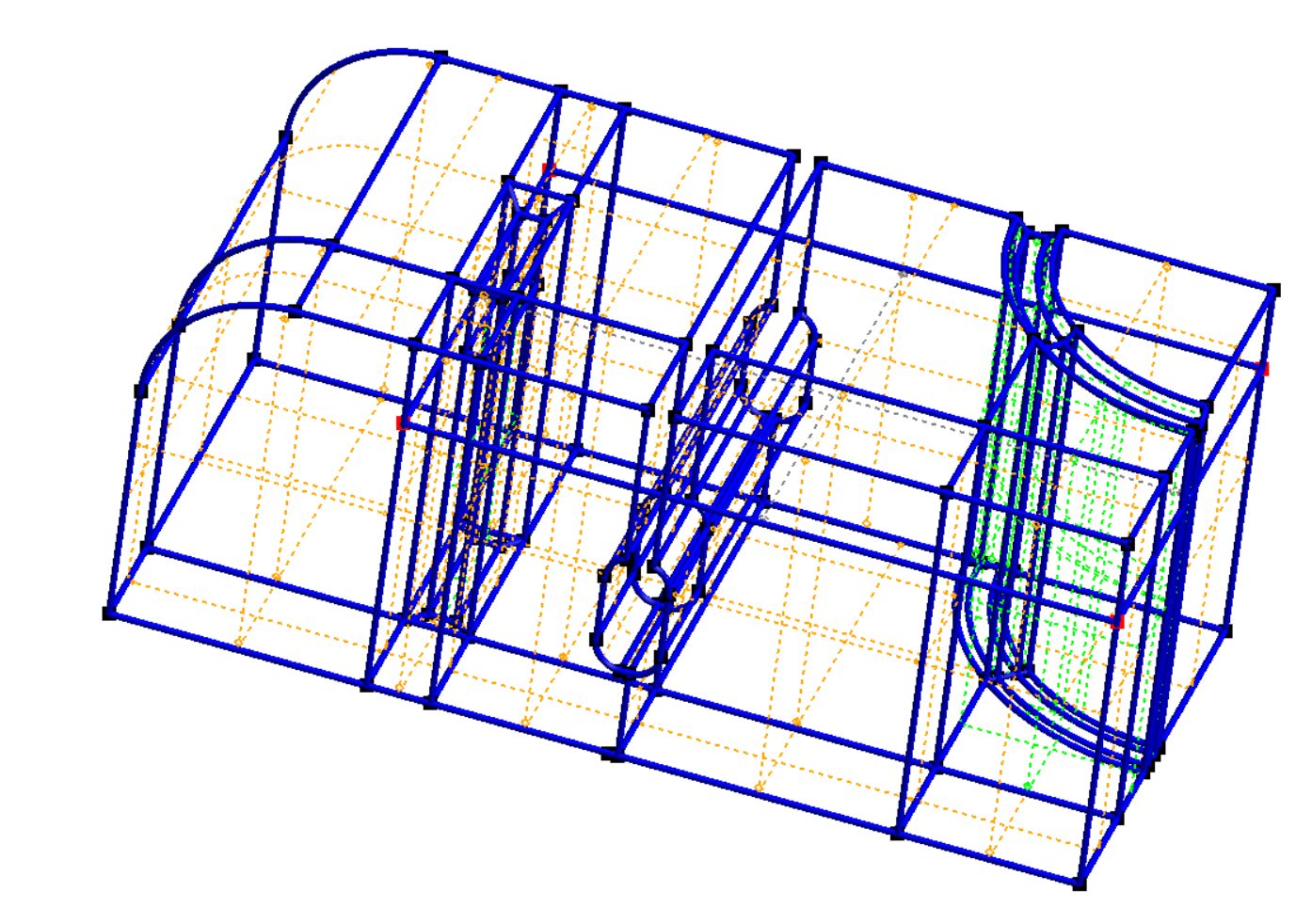
Use this command when you need to cut volumes with a bounded (finite) planar patch. The command builds a finite surface from points A, B, C, and D, then applies it to intersected volumes.
Inputs
- 1. Point A: first point defining the finite surface.
- 2. Point B: second point defining the finite surface.
- 3. Point C: third point defining the finite surface.
- 4. Point D: fourth point defining the finite surface.
Output
- Intersected volumes are split by the finite surface.
- New volume parts are created where intersections exist.
- Volumes not intersecting the finite surface remain unchanged.
Basic usage
Run from the GUI Geometry/Split by/ A finite surface (4 points) and select four points.
Notes
- The four points should define a valid planar boundary in practice.
- A split occurs only for volumes intersected by the finite surface.