Split all volumes by a plane (3 points)
Splits intersected volumes using an infinite cutting plane defined by three non-collinear points.
Keyboard shortcut
M
What it does
Use this command when you need to cut volumes by an explicit infinite geometric plane. The plane is built from three points and applied to intersected volumes.
Inputs
- 1. Point A: first point defining the split plane.
- 2. Point B: second point defining the split plane.
- 3. Point C: third point defining the split plane.
Output
- Original volumes are split where they intersect the plane.
- New volume parts are created on each side of the plane.
- Volumes not intersecting the plane are unchanged.
Basic usage
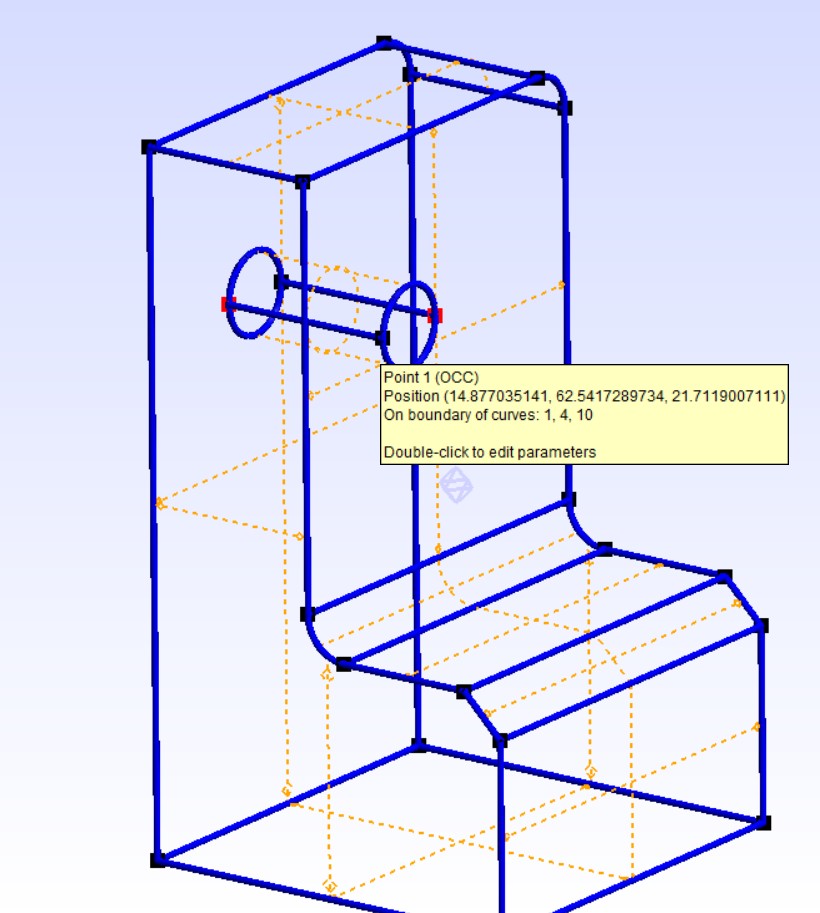
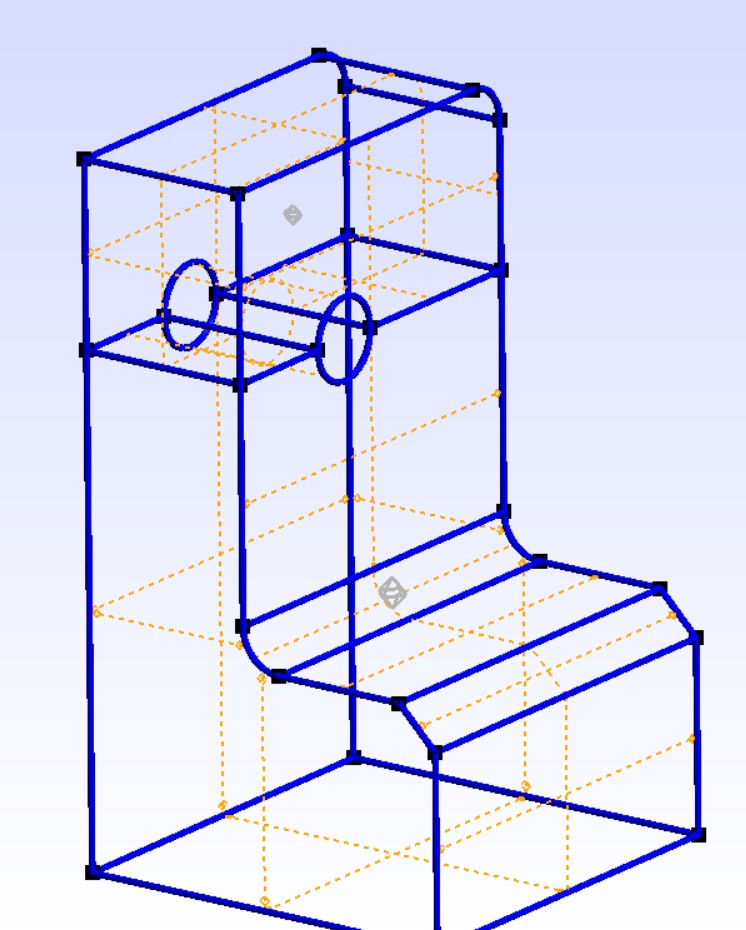
Run the command from the GUI Geometry/Split by/ An infinite plane (3 points) and select the three points.
Notes
- The three points must be distinct and non-collinear.
- A split occurs only for volumes intersected by the plane.