Split a volume by a point loop
Splits target volumes using a closed point loop as the cutting profile.
Keyboard shortcut
L
What it does
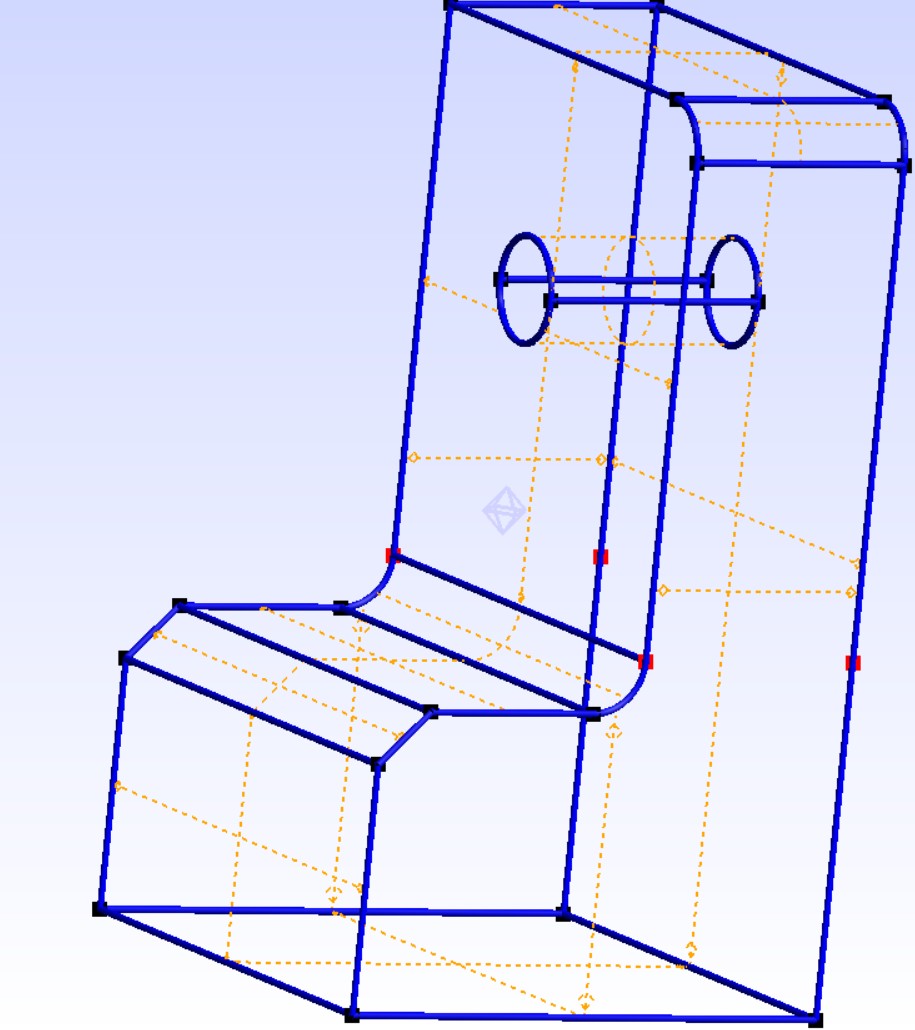
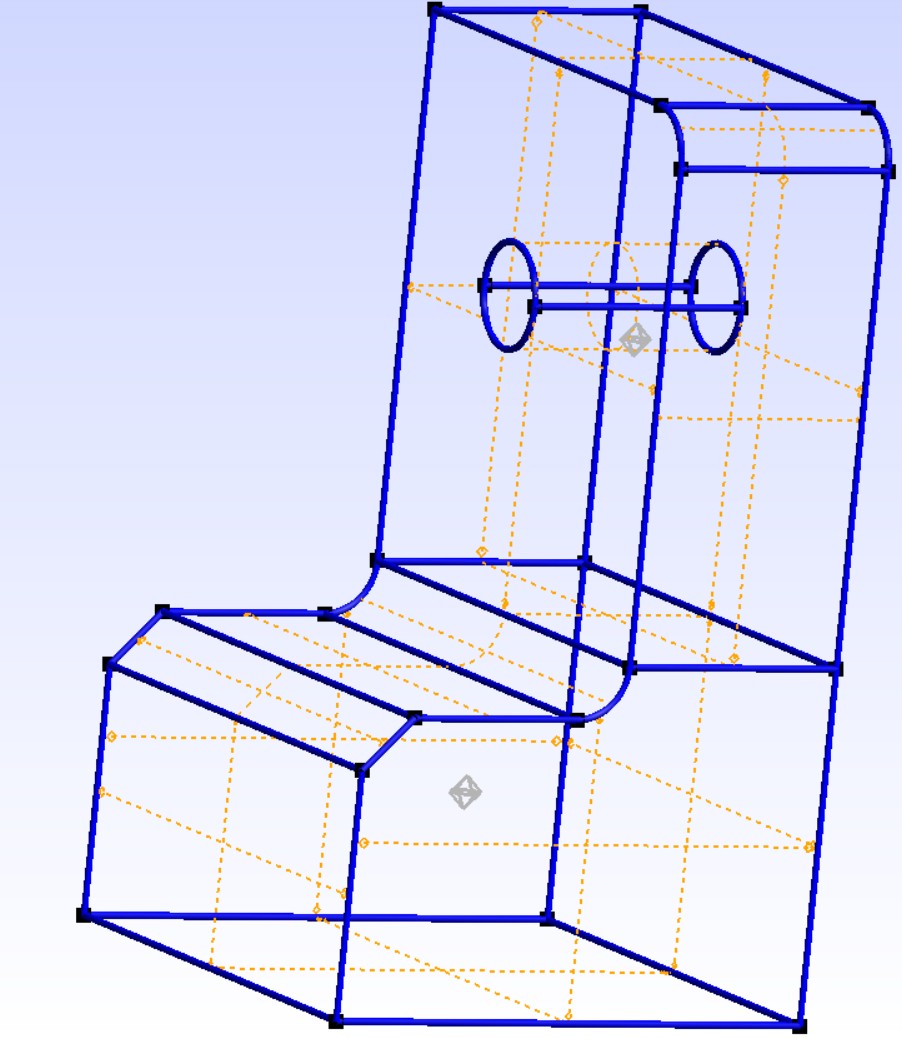
Use this command when you need to split volumes from a user-defined point-loop boundary. The loop is used as the split definition and applied to intersected volumes.
Inputs
- 1. Point loop: a valid closed loop of connected points defining the split boundary. Click twice on the latest point to end the selection.
Output
- Original volumes are split where they intersect the point-loop-defined cutting geometry.
- New volume parts are created from the split.
- Volumes not intersecting the split definition are unchanged.
Basic usage
Run the command from the GUI Geometry/Split by/ A point loop, then select a closed loop of points.
Notes
- The point loop must be closed and geometrically valid.
- The point loop must entirely cut a volume to truly generate two new volumes.
- The point loop can contain any number of points.