Split a triangle surface
Splits an existing triangular surface into smaller quadrilateral surfaces.
Keyboard shortcut
U
What it does
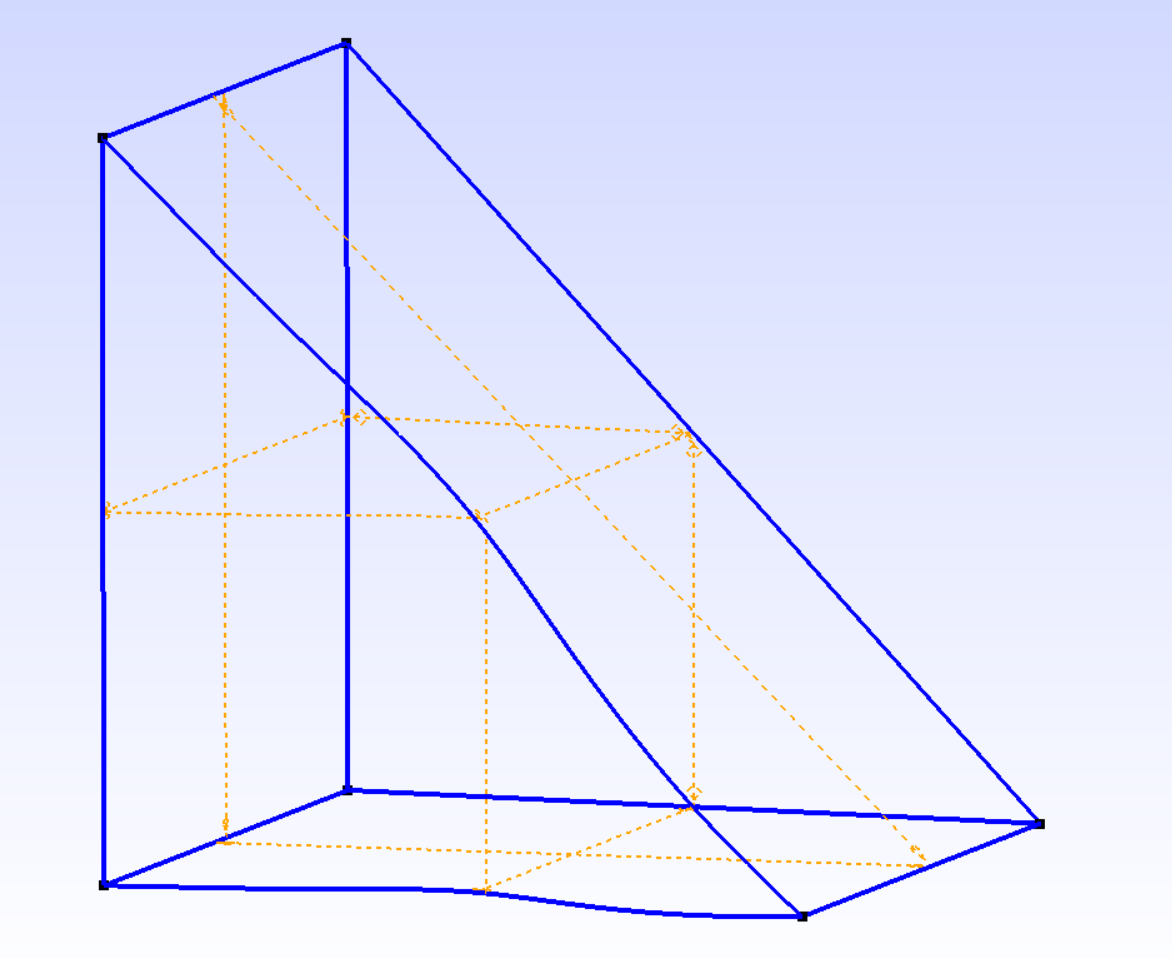
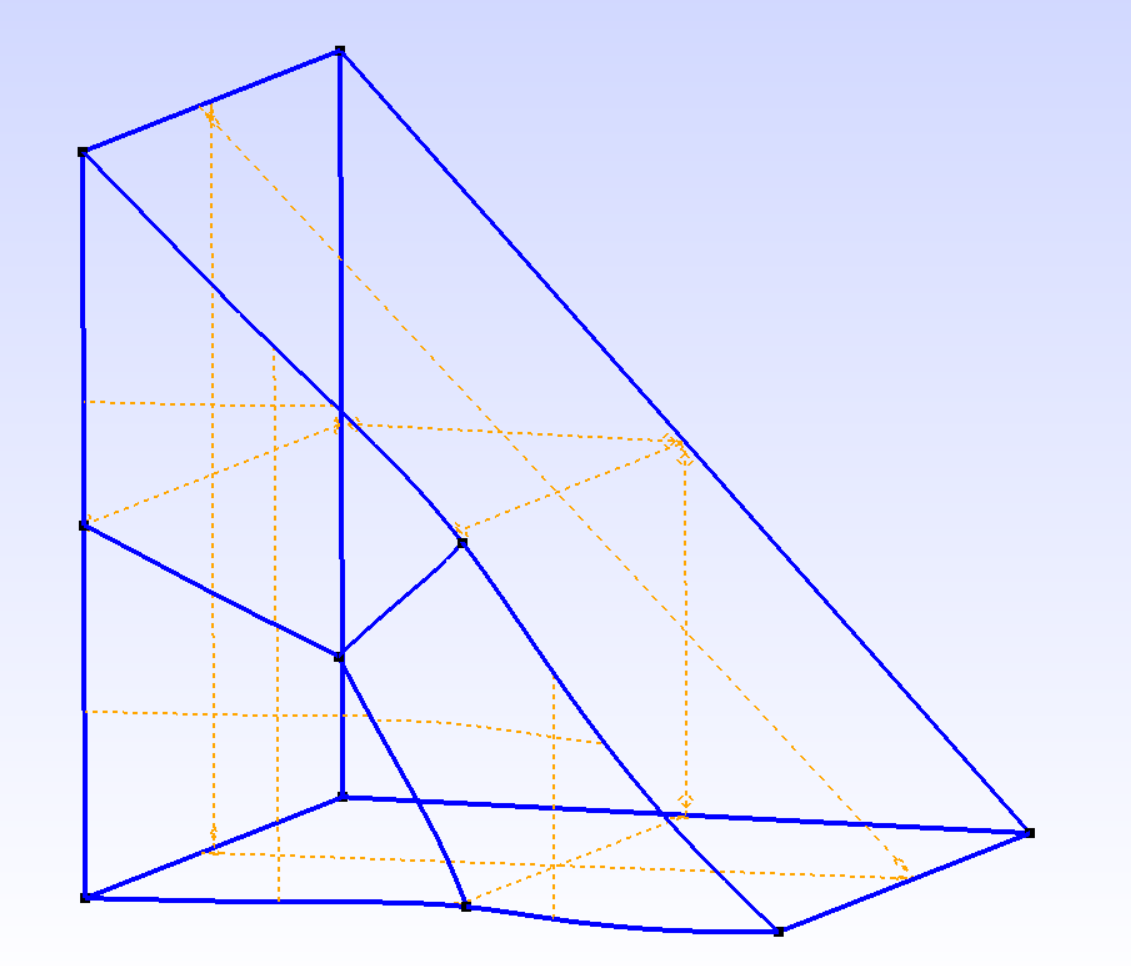
Use this command to split a triangular surface by inserting: - a split point at the midpoint of each edge, - a central point at the barycenter of these split points.
The original triangle is replaced by new quadrilateral surfaces sharing the new split topology.
Inputs
- 1. Triangle surface: the target surface to split (must be triangular).
Output
- The selected triangular surface is split into multiple quadrilateral surfaces.
- Required internal curves/edges are created automatically.
- Topology is updated so the new surfaces remain connected to neighboring entities.
- Invalid split attempts are rejected (for example, non-triangle targets or invalid split location).
Basic usage
Run the triangle-splitting command from the GUI, then select a triangular surface.
Notes
- Only triangle surfaces are supported by this command.
- This operation is useful for ensuring valid blocking, since triangles are not well suited to transfinite strategies.