Project a point on a curve
Projects an input point onto a target curve and returns the corresponding location on the curve (closest-point projection).
Keyboard shortcut
P
What it does
Use this command when you have a point in space and need its equivalent position constrained to one or more curves.
Inputs
-
1. Point: the 2D/3D point to project.
-
2. Curve(s): one or more reference curves to project onto.
Output
- One projected point is created on each selected curve.
- Topology is updated by fragmenting impacted surfaces.
Basic usage
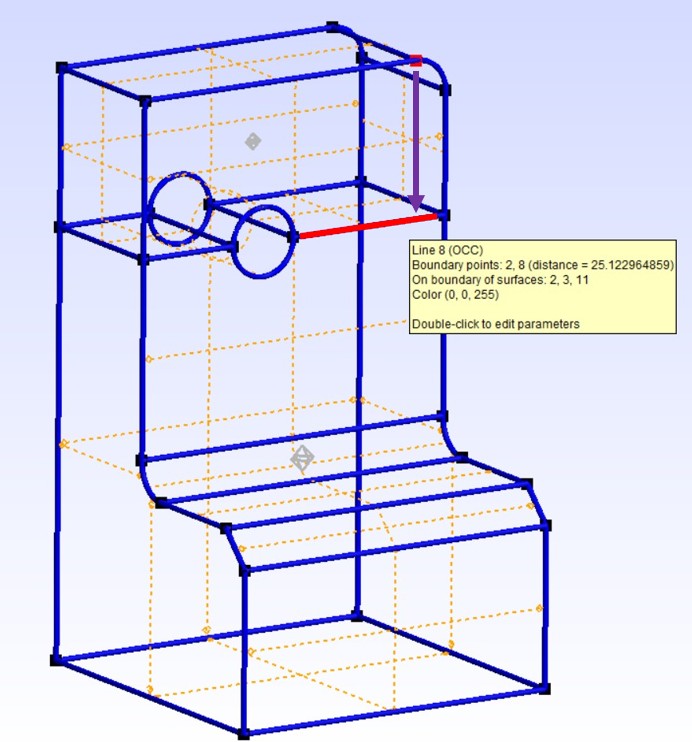
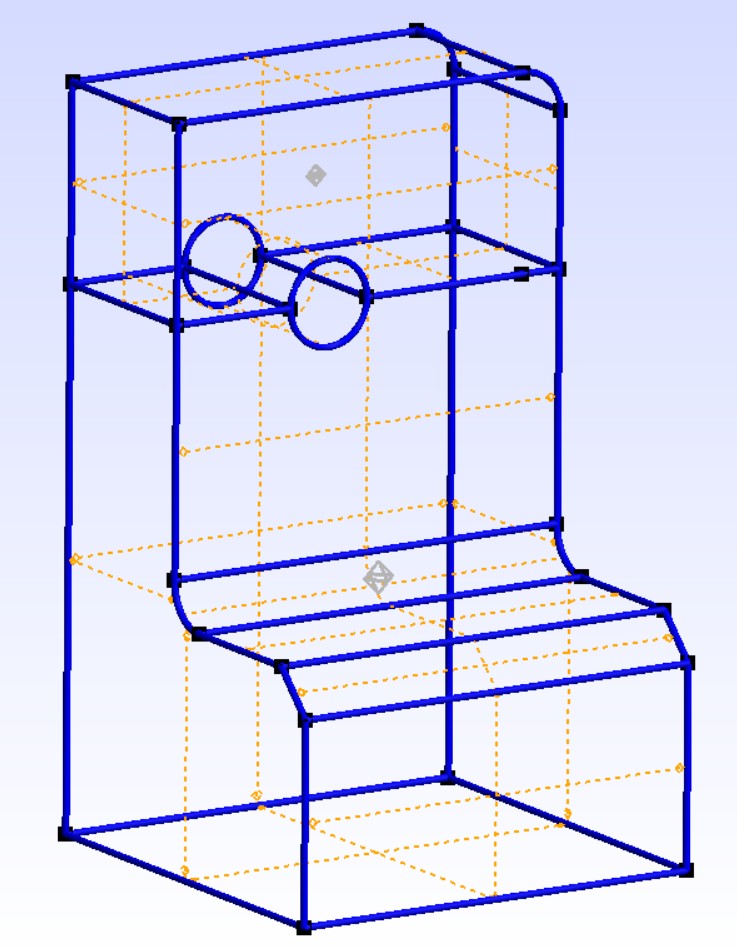
Run the command from the GUI Geometry/Project/A point on a curve, then select one point and one or more curves.
Notes
- If multiple valid projections exist (e.g., near self-intersections), the nearest solution is typically chosen.
- Ensure the curve is valid and non-empty before projection.
- Numerical precision can affect results for very small or highly curved geometries.