Add a point on a curve
Adds one point on each selected curve at a given ratio.
Keyboard shortcut
X
What it does
Use this command to insert point(s) on selected curve(s).
The point location is controlled by the GUI ratio parameter Geometry/Add/A point on a curve (ratio) in [0, 1].
The ratio can now be adapted internally before geometry fragmentation to keep point insertion valid on impacted topology. Press e to validate the point(s) position.
Inputs
- 1. Ratio: normalized position on each selected curve (
0at one end,1at the other end). - 2. Curves: one or more curves to process.
Output
- A new point is added on each selected curve.
- The ratio may be adjusted before fragmentation when required by topology updates.
- Impacted surfaces are fragmented when needed to keep topology consistent.
Basic usage
Run from the GUI with Geometry/Add/A point on a curve (ratio), set the ratio, then select one or more curves.
If needed, the command adapts the ratio before fragmenting geometry and creating the final point(s).
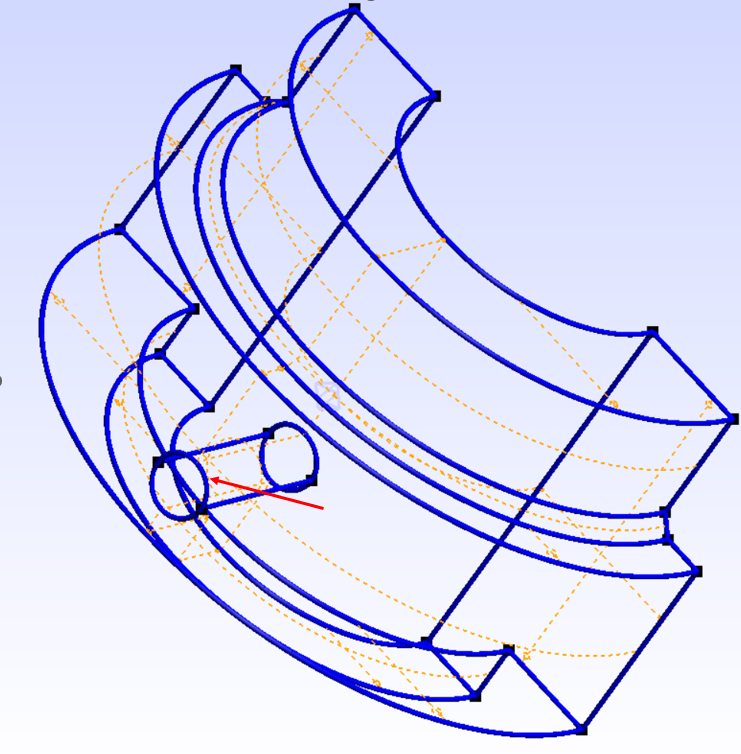
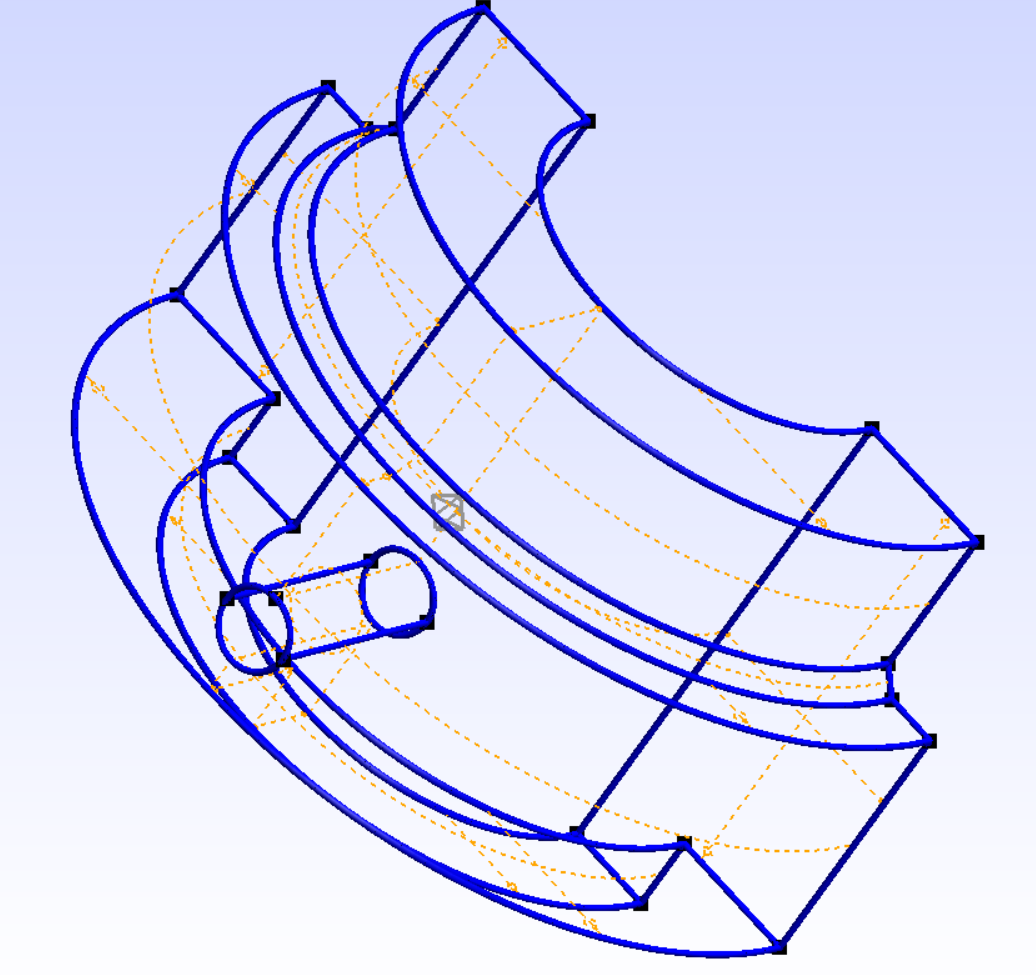
Notes
- A ratio of
0.5corresponds to the midpoint along the chosen curve orientation. - Selecting several curves applies the same ratio to all of them.
- In cases with topology changes, the effective insertion ratio can differ slightly from the requested value because it is adapted before fragmentation.